Custom fields
Create a field
Section titled “Create a field”- Open Manage Custom Fields.
- Choose Add Custom Field and select a type.
- Open More field types for Time, URL and Person/contact.
- Enter its name and the configuration requested by that type.
- Check the preview and save.
- Open an entry’s Custom Fields tab to fill in the value.
The preview shows an example control; it never saves a value to an entry.
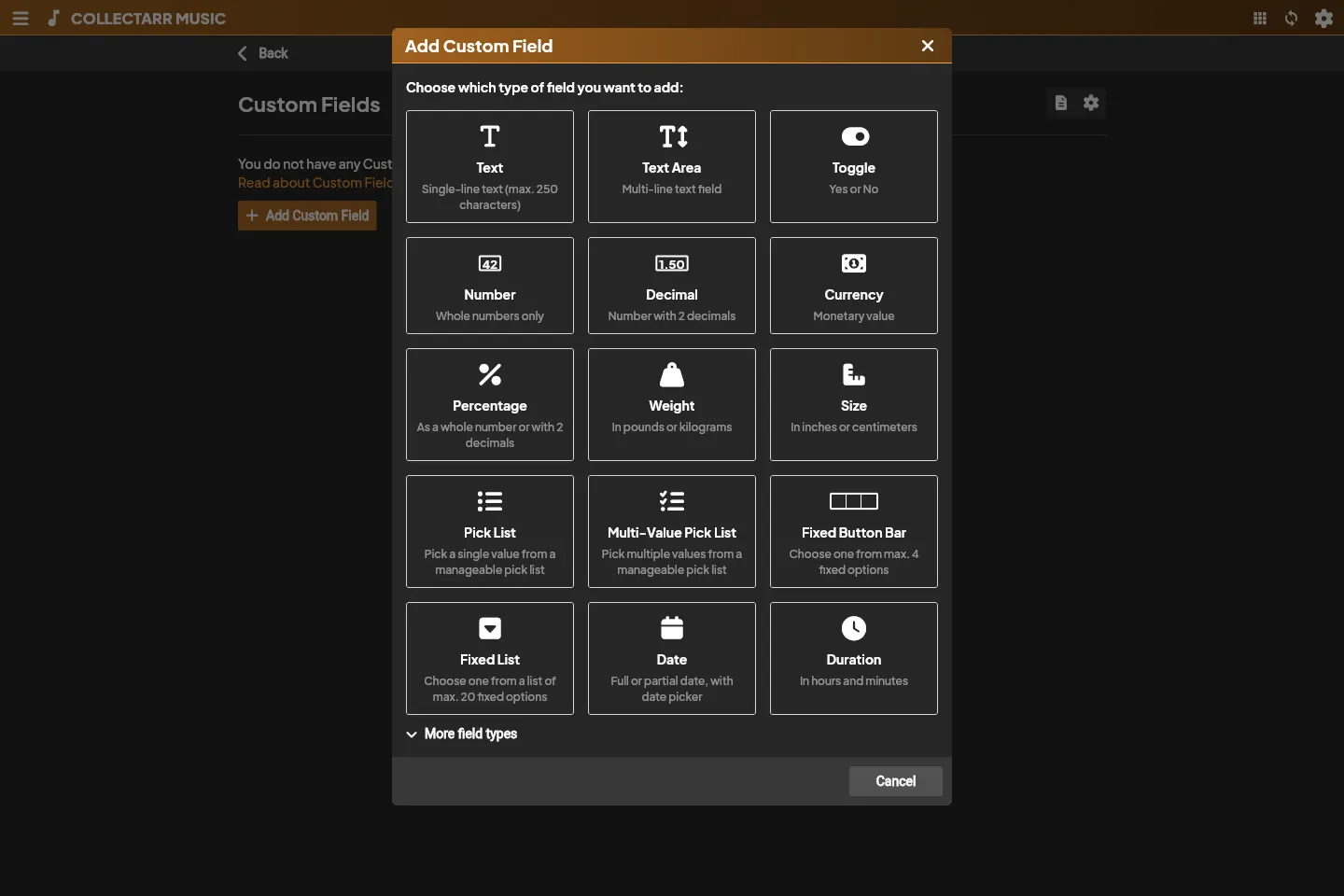
| Type | Purpose | Configuration |
|---|---|---|
| Text | Short text | Up to 250 characters |
| Text Area | Longer notes | Multiline |
| Toggle | Yes/no | Two-state control |
| Number | Whole numbers | Integer storage |
| Decimal | Decimal values | Decimal storage |
| Currency | Amount | Number/Decimal and display currency |
| Percentage | Percentage | Number/Decimal |
| Weight | Weight | Number/Decimal and g, kg, lb or oz |
| Size | Dimension | Number/Decimal and cm, in or mm |
| Pick List | One reusable value | Editable list |
| Multi-Value Pick List | Several values | Control and display configuration |
| Fixed Button Bar | Small choice set | Up to four choices |
| Fixed List | Fixed choices | Up to twenty choices |
| Date | Complete/partial date | Date control |
| Duration | Elapsed time | Hours/minutes; hours may exceed 24 |
| Time | Time of day | Time control |
| URL | Web address | URL control |
| Person / contact | Contact value | Person control |
Choose storage for Currency, Percentage, Weight and Size before evaluating the preview. Weight/Size also require a unit. Display currency does not perform currency conversion.
Multi-value controls
Section titled “Multi-value controls”Choose Check List, Name List, Person List or Tag List for the desired interaction. Display separators/list presentation affect the inspector; the values remain separate.
Fixed choices
Section titled “Fixed choices”Add choices as separate rows and reorder them. Empty/duplicate choices are rejected. Existing fixed choices and storage type are locked after creation, so review them before saving.
Maintenance and tab settings
Section titled “Maintenance and tab settings”Edit changes the name and allowed configuration. Drag rows to reorder fields. Check whether you need the values before deleting a definition.
Custom Fields settings changes the tab name and visibility. Inspect the definition’s offered scope to distinguish kind-specific and shared fields.